

Here Are the Most Popular Ai Video Tools That Are Actually Worth Your Time
AI video tools have come a long way—so much that even kids ask, “Are these real?” But with so much noise, it’s hard to find tools that truly work. We tested the latest ones and looked at expert reviews and real-world use across Silicon Valley and media outlets.
These tools not only produce sharp, realistic videos—but also save time, boost creativity, and sometimes help you earn from your content. Whether you’re a marketer, creator, or filmmaker, knowing what works—and what doesn’t—is crucial.
In this guide, we’ll share the nine AI video tools that stand out now. You’ll see how they score on video quality, ease of use, and value.
| Tool | Best For | Key Feature | Ease of Use | Free Plan |
|---|---|---|---|---|
| Veo | High-quality cinematic videos | Advanced text-to-video generation | Medium | No |
| Hailuo AI | Quick AI video creation | Fast rendering + simple prompts | Easy | Yes |
| Runway | Creative video editing | AI video editing + generative tools | Medium | Yes |
| Kling | Realistic AI videos | High-detail motion & cinematic effects | Medium | Limited |
| LTX Studio | Story-based video creation | Script-to-scene AI workflow | Medium | No |
| Sora | Long-form AI video creation | Advanced scene generation from text | Hard | No |
| Luma | 3D and realistic visuals | Photorealistic environment generation | Medium | Limited |
| Pika | Short AI video clips | Fast text-to-video + effects | Easy | Yes |
| InVideo AI | Marketing & social videos | Templates + AI script-to-video | Very Easy | Yes |
The 9 Most Popular AI Video Tools Right Now — Ranked
1. Veo:
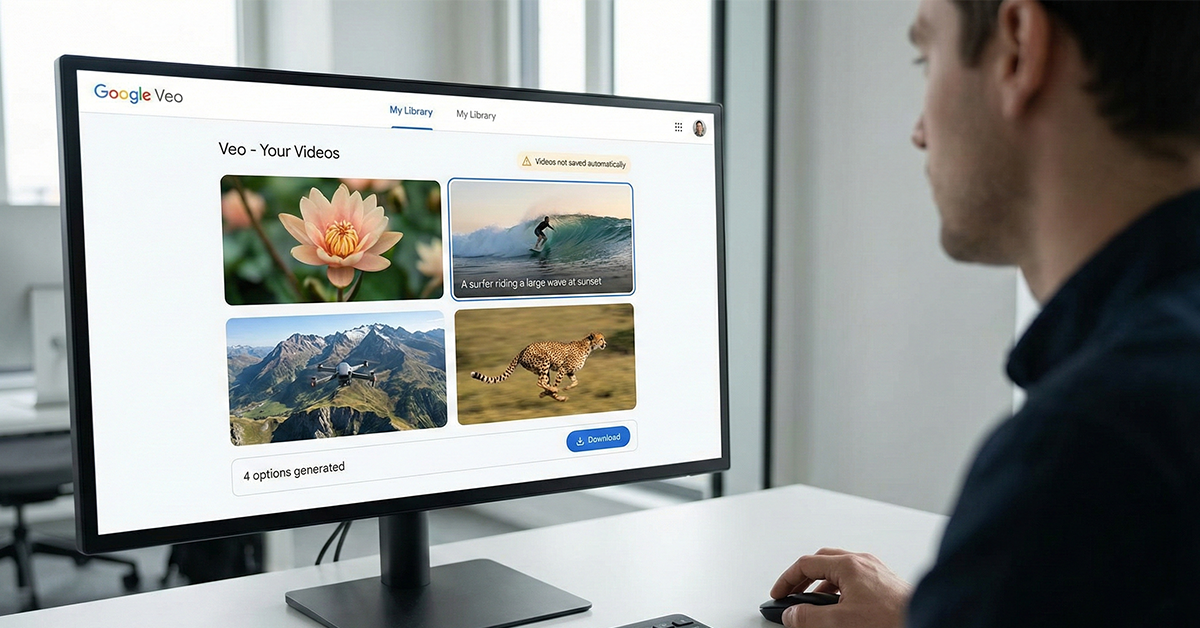
Veo is Google’s AI video tool, and it has the best video quality we’ve seen so far. The images are clear, the motion is smooth, and you get four videos to choose from with each prompt.
Almost always, one of the four is ready to use right away. Still, Veo feels like it’s in early development. It doesn’t have a big library of assets or built-in editing tools yet. And if you don’t download your video, you risk losing it. But these are challenges that Google can fix over time.
Our view: The tech is top-notch, but the big question is whether Google will turn Veo into a tool people actually use.
In the past, Google has built great tech that never got popular.
Also, the price is $250 a month, which is pretty high.
So while Veo is elite, it may stay out of reach if it doesn’t improve its features and reach more users.
2. Hailuo AI:
Hailuo might not be as well-known as Google or OpenAI, but it really stands out. The results are smooth, and we can control them better than expected. We can also use images from tools like Midjourney or Flux, and Hailuo turns them into clear, moving videos.
When we spoke with Tim Simmons from Theoretically Media, he was very happy with how his followers were using Hailuo. Even without writing long prompts, the tool understands what we’re trying to make. It feels like the tool can guess our goals, and that’s rare.
Our view: Hailuo gives great control and follows prompts well. If we’re making short films or videos using AI, this tool is a strong choice. Tim even joked that his audience would be upset if he didn’t rank it first — and after using it, we get why.
3. Runway:
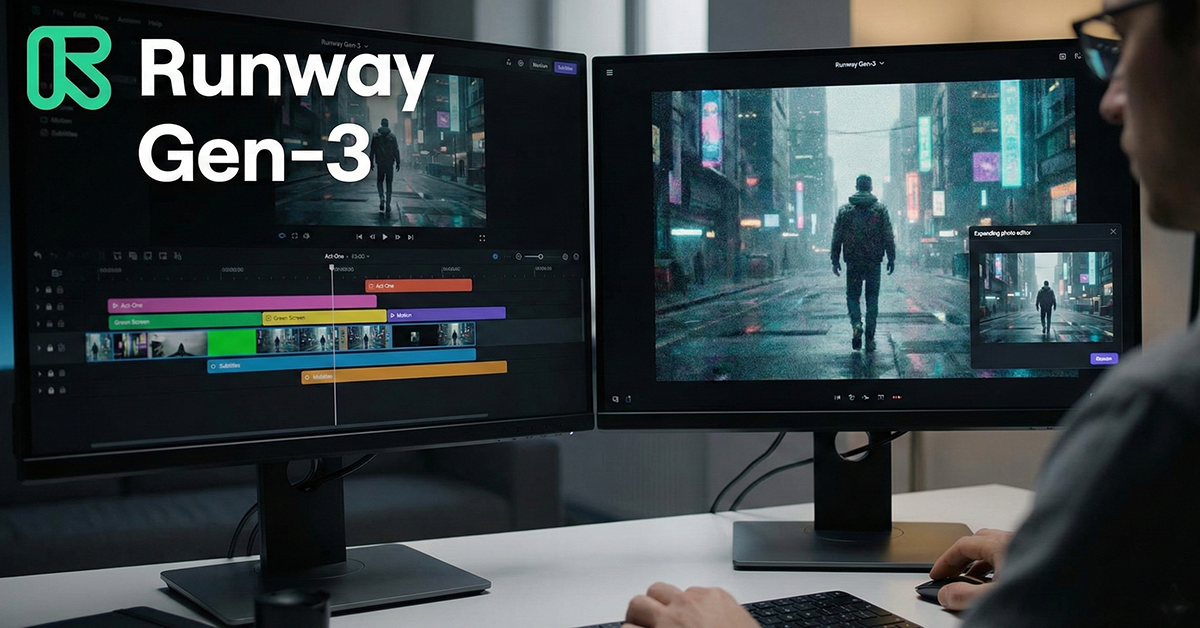
Runway is one of the first big AI video tools, and it’s still growing. The latest Gen-3 version is fast. And it comes with lots of editing features like Act-One, green screen, motion tools, and automatic subtitles — it’s more than just a video creator.
The only issue is the video quality, which doesn’t always feel top-level. We’d say it’s closer to B-grade. But the full set of tools makes up for that. We really like the green screen and image expanding options — great for when we need detailed edits and flexibility.
Our view: Even if the visuals aren’t always perfect, Runway’s editing tools and speed make it one of the best all-in-one creative platforms we’ve used.
4. Kling:
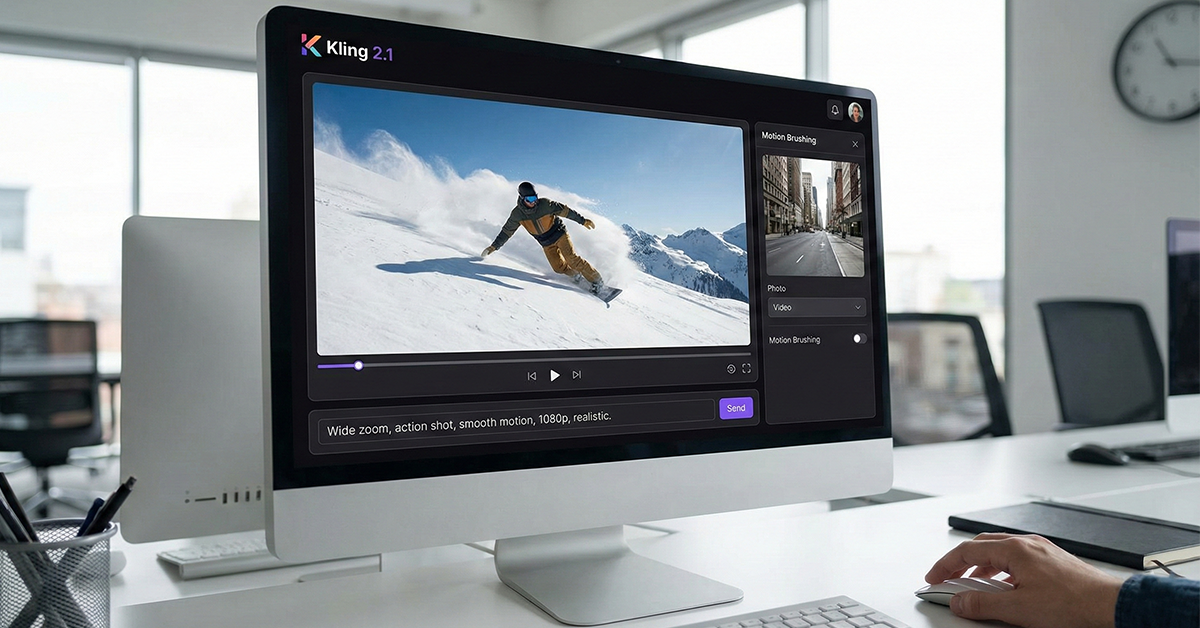
Kling’s videos look realistic, with smooth motion and lifelike movement. It’s especially good for action shots — like wide camera moves or zooms — where the feeling of motion and depth is very strong.
Kling doesn’t limit us to its own images. We can bring in pictures from other platforms, then use Kling’s tools like motion brushing to turn them into videos. The upgrade to Kling 2.1 was a big moment in late 2024. It added better resolution (up to 1080p) and improved how well the tool follows prompts.
Our view: Kling gives more control than most tools. But some prompts still don’t turn out great. That’s why we like it a lot — but it’s not our number one just yet.
5. LTX Studio:
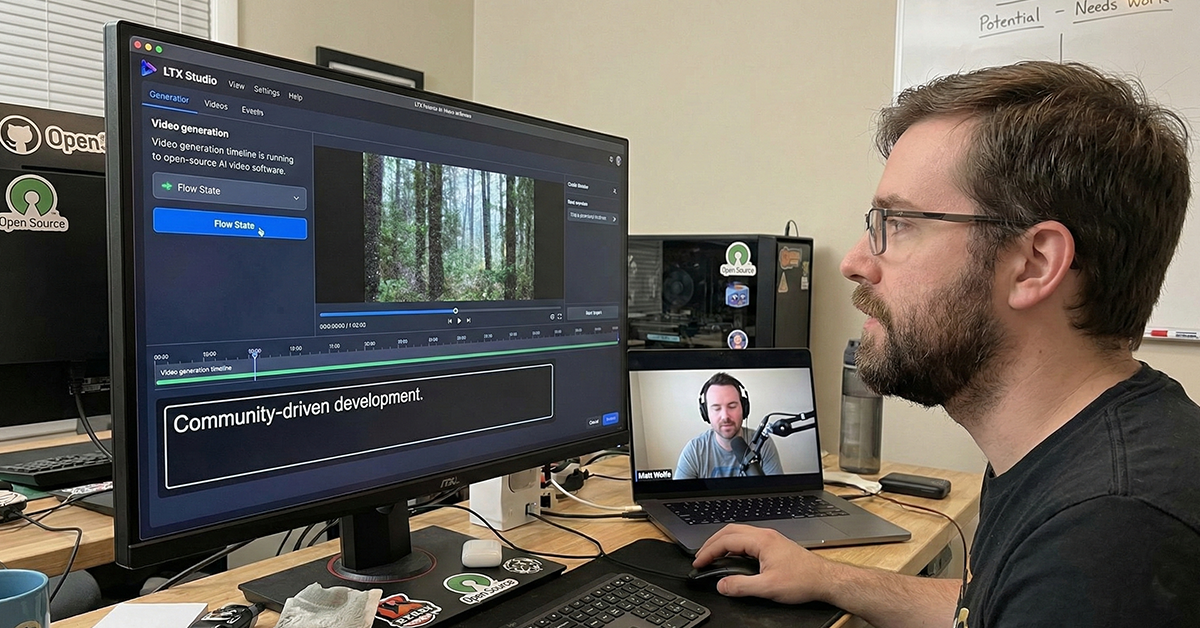
Tim really wanted LTX to be in the top tier — not because it’s the best right now, but because it’s the only open-source tool on this list. That makes it special. Developers from around the world can help improve it quickly.
He also liked how fast LTX works and compared it to Flow State mode in Leonardo.Ai, where we can guide the output as it generates. But even Tim agreed that the video quality isn’t as strong as tools like Veo or Hailuo. Matt Wolfe, who co-hosts The Next Wave, felt the same. LTX has great potential, but it still needs work.
Our take: LTX is a solid AI video tool with a bright future, especially for developers and people who like to test and tweak things. If we’re excited about open-source projects, this is worth checking out.
6. Sora:
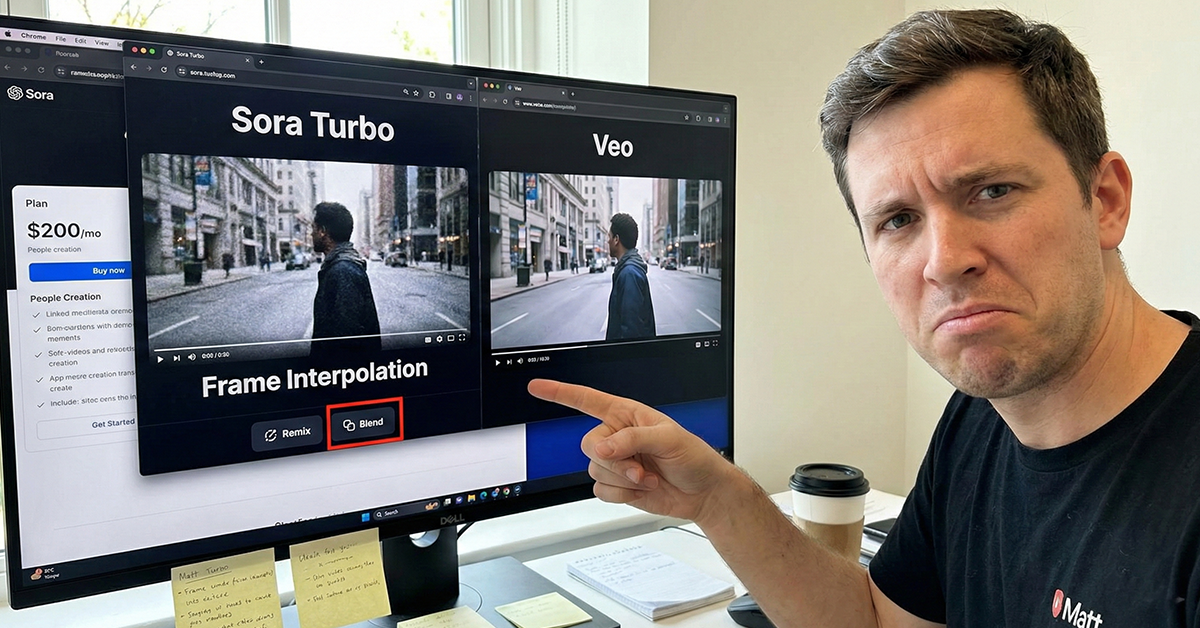
Sora sparked a lot of talk. At first, we had access to Sora Turbo, which could make 20-second clips using a trick called frame interpolation. It made videos move faster, but they didn’t always feel smooth or natural.
Matt tested Sora Turbo too. He said Veo gave better results side by side. Also, some important features — like creating people in videos — are only available in the $200 per month plan. That makes Sora feel limited unless we pay for the most expensive version.
That said, features like Remix and Blend stood out. These tools let us mix and cut video clips in cool ways. The results weren’t always amazing, but these tools show a lot of promise for the future.
Our take: The videos aren’t the best part — it’s the tools that make Sora interesting. If OpenAI improves those, Sora could become a powerful tool.
7. Luma:
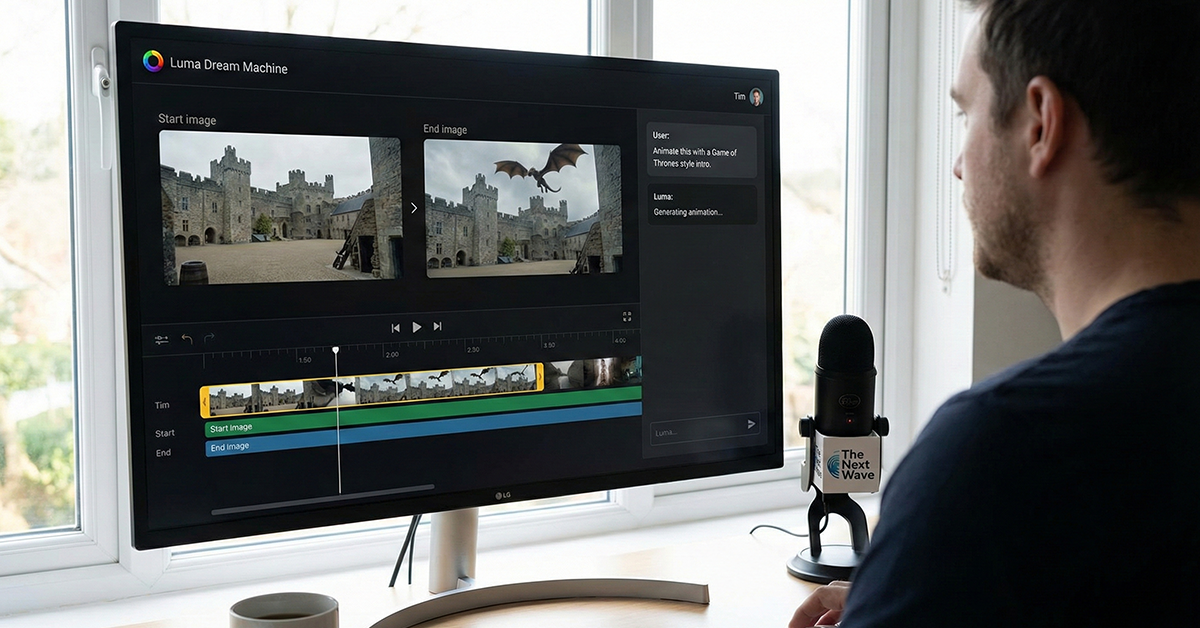
Luma’s Dream Machine really impressed us. One cool feature is that we can upload a start and end image, and it will animate the video in between. Tim even used it to make an intro like the one from Game of Thrones, using flying camera-style motion.
Matt, during a chat on The Next Wave, said that using an image as input gives better results than just writing a prompt. Luma also made changes to its design so it feels more interactive, like chatting with a smart image tool — kind of like the early excitement around DALL·E 3.
Our take: Matt’s test using images and smooth transitions looked great. Luma is a tool we’ll keep an eye on for sure.
8. Pika:
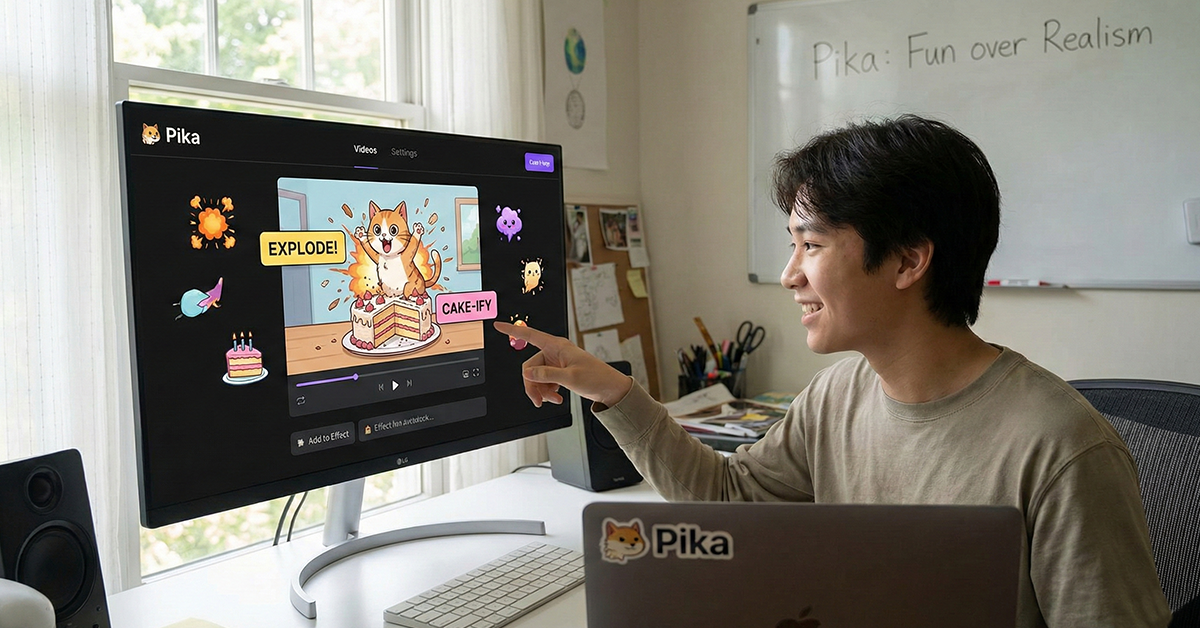
Pika is different. It doesn’t focus on making the most realistic videos. Instead, it’s about fun effects like explosions, crushes, or turning things into cake. Pika was one of the first to make cartoon faces look good, but many other tools have now passed it in quality.
Still, Pika’s strength is its playful style. Tim noted they’re not trying to copy cinematic tools like Veo or Runway. They’re building something fun and social — and that’s smart.
Our take: We think Pika will become popular as a fun app. It’s great for making quick, funny videos and memes. Maybe it’s not for serious filmmakers, but for everyday users and social content, it’s very useful.
9. Invideo AI
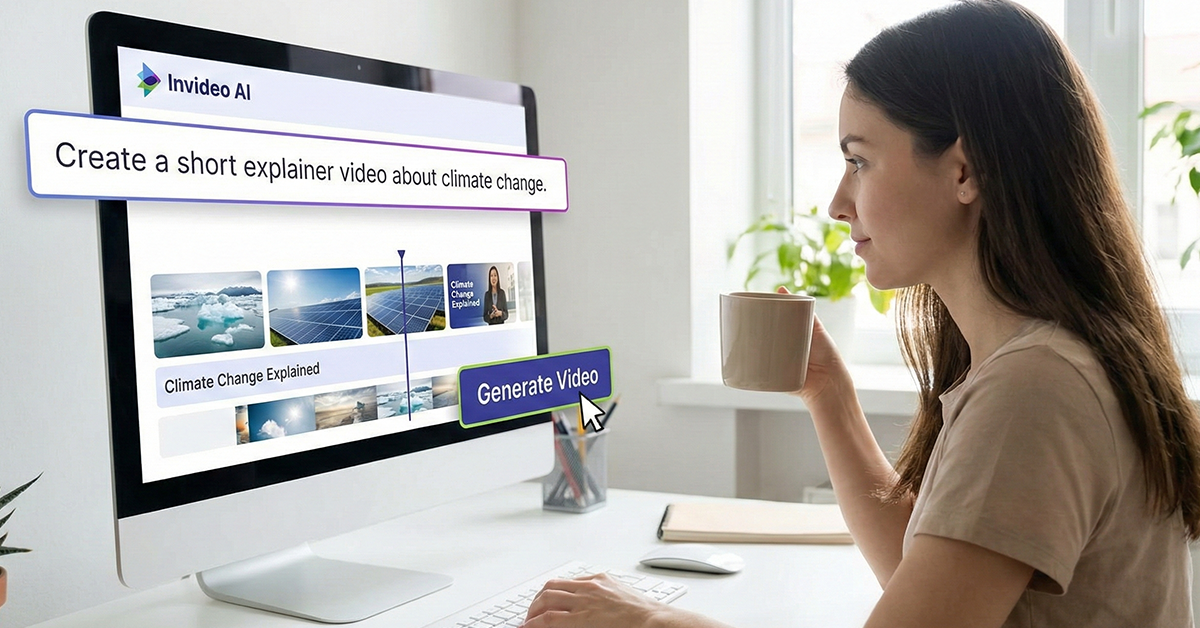
Invideo AI isn’t trying to beat top tools like Veo or Hailuo. Instead, it focuses on speed and ease. We type in a prompt, and it quickly puts together a nice video using stock clips and templates.
If we’re making explainers or short social media videos, Invideo is helpful. It doesn’t generate everything from scratch. Instead, it mixes existing media to get the job done quickly.
Our take: Invideo feels more like a video version of Canva than an AI experiment. But for marketers or business owners who want fast results, that’s a big win.
What’s Next for AI Video?
After testing all these tools, one thing is clear: we’re still at the beginning of a big change. No tool is leading completely, and this feels like the early days of social media or web browsers.
Partner with our Digital Marketing Agency
Ask Engage Coders to create a comprehensive and inclusive digital marketing plan that takes your business to new heights.
Contact Us
Tools like Veo and Hailuo lead in quality. Runway and LTX stand out with features and community. Pika and Invideo are smart for focusing on fun and speed.
What happens next? Tools will improve fast. But the winners will be the ones who make things easy and connect with their users. We’ll also see better editing, smoother workflows, and maybe new ways to use AI we haven’t even thought of yet.
The tools are getting so good that the story we tell will matter more than just how the video looks. And honestly, that’s where things get really exciting.
FAQs
Before choosing an AI video tool, consider ease of use, video quality, available templates, export options, and pricing plans.
Yes. Most AI video tools are beginner-friendly and use drag-and-drop interfaces or text-based video creation.
Many AI video platforms support team collaboration with shared workspaces and real-time editing features.
Yes. AI video generators are effective for creating explainer videos, tutorials, and online learning materials.
Most tools allow direct sharing or integration with platforms such as YouTube, Instagram, and content management systems.
Video creation usually takes only a few minutes, depending on the length and complexity of the video.
Yes. Many AI video platforms provide free plans or trial versions with limited features.
Some AI video tools allow voice uploads and custom avatars, especially in their paid or premium plans.
Most platforms offer support through live chat, email, help centers, and community forums.
Yes. AI-generated videos can be SEO-friendly when optimized with proper titles, descriptions, tags, and transcripts.


