
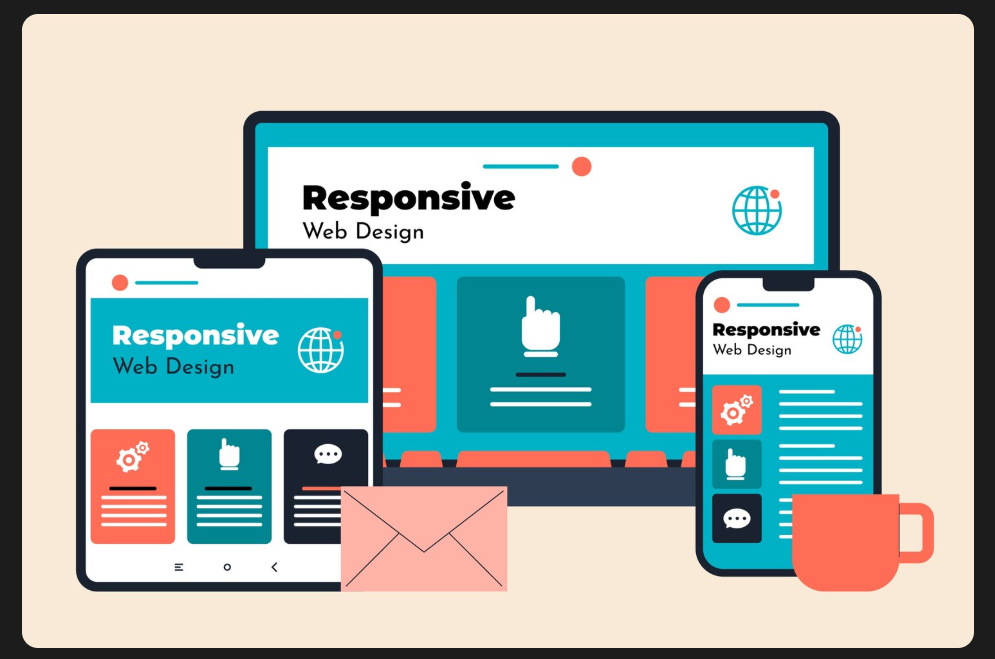
Responsive Web Design: Mobile-First Development Best Practices { 2025 Guide)
In 2025, global website traffic from mobile devices accounted for approximately 59% to 64% of all web traffic, with sources such as StatCounter and SOAX reporting figures within this range. That means if your site isn’t mobile-friendly, you’re automatically ignoring the majority of your audience.
This is where responsive web design (RWD) comes into play. And even more importantly, mobile-first development ensures your site is designed with the smallest screen in mind first — then scaled up for larger devices.
In this guide, we’ll explore:
- What responsive web design means,
- Why mobile-first is the winning approach in today’s digital world,
- Best practices every developer should follow and The tools that make this process easier.
Table of Contents
- What is Responsive Web Design?
- Why Mobile-first Development Matters
- Core Principles of Responsive Design
- Flexible Grids
- Scalable Images
- Breakpoints & Media Queries
- Best Practices for Mobile-first Development
- Prioritize Content Hierarchy
- Optimize Navigation for Small Screens
- Mobile Performance Optimization
- Accessibility Considerations
- Tools and Frameworks for Responsive Design
- Common Mistakes to Avoid
- Summary
- Key Takeaways
- FAQs
What is Responsive Web Design?
Responsive web design is an approach to creating websites that adapt to various screen sizes and devices. Instead of building separate sites for desktop and mobile, this design enables a single website to adjust its layout flexibly.
For example:
- A three-column desktop layout may collapse into a single-column mobile view.
- Large banner images may resize dynamically or switch to a cropped version.
/* Example of a simple media query */
@media (max-width: 768px) {
  body {
    font-size: 16px;
    padding: 10px;
  }
}
This snippet ensures the font size and padding adjust when the screen width is 768px or smaller — a typical breakpoint for tablets and mobiles.
Why Mobile-first Development Matters
For years, websites were designed for desktops and then “shrunk down” for mobile. This approach no longer works because:
-
Google’s Mobile-first Indexing
- Since 2019, Google has primarily used the mobile version of a site for ranking and indexing. A non-mobile-friendly site can hurt your SEO.
-
User Experience (UX)
- Mobile users expect fast, clean, and intuitive designs. If navigation is clunky or content doesn’t load properly, they leave.
-
Growing Mobile Market
- Statista reports that over 7 billion people globally use smartphones in 2025. Mobile-first isn’t optional anymore; it’s a necessity.
-
Performance-first Approach
- Starting with mobile ensures lightweight, fast-loading pages. Then, you can progressively enhance features for larger screens.
Core Principles of Responsive Design
1. Flexible Grids
Forget pixel-perfect layouts. Instead, use relative units, such as percentages, em, or rem. Frameworks like CSS Grid and Flexbox simplify the creation of fluid layouts.
Example:
display: flex;
flex-wrap: wrap;
}
.container > div {
flex: 1 1 300px;
}
This ensures grid items resize based on available space.
2. Scalable Images
Large, unoptimized images are the top reason for slow mobile pages.
Use:
- The srcset attribute is used to load different images for different screens.
- Modern formats like WebP or AVIF for better compression.
srcset=”image-small.jpg 480w, image-large.jpg 1200w”
alt=”Responsive design example”>
3. Breakpoints & Media Queries
Breakpoints define where the design adapts.
Common breakpoints include:
- 320px (small mobile)
- 768px (tablet)
- 1024px (small desktop)
- 1440px (large screen)
Pro Tip: Instead of sticking to fixed values, design based on content needs, not device widths.
Best Practices for Mobile-first Development
1. Prioritize Content Hierarchy
On mobile, space is limited, so show the most important content first. Keep the design clean by removing extra clutter, and use expandable sections to share more details without overwhelming the user.
2. Optimize Navigation for Small Screens
Mobile navigation should be simple and easy to use. Hamburger menus or bottom bars work well, but ensure that buttons are large enough to tap comfortably. Avoid complicated dropdown menus that can confuse users on small screens.
3. Mobile Performance Optimization
Slow websites push users away. Improve speed by loading images and videos only when needed, optimizing CSS and JavaScript files, and utilizing a CDN to deliver content more efficiently. For key pages, use tools like AMP or server-side rendering to boost performance.
4. Accessibility Considerations
Good mobile design should work for everyone. Use clear colour contrast for readability, add alt text to images, and include ARIA labels for assistive tools. Also, make buttons and links large enough for easy tapping.
Tools and Frameworks for Responsive Design
- Bootstrap – The most widely used CSS framework with built-in grid and responsive utilities.
- Tailwind CSS – Utility-first, highly customizable, gaining huge popularity.
- Bulma – A modern CSS framework based on Flexbox, lightweight, and easy to use for responsive layouts.
- Foundation by Zurb – Another robust framework with responsive design components.
- Blisk – A developer-oriented browser for testing responsive websites across different devices.
- BrowserStack – For cross-device, real-device testing.
Common Mistakes to Avoid
A common mistake is designing for desktop first and then trying to shrink it for mobile, which often results in a poor user experience. Using fixed units, such as pixels, instead of flexible units can also make layouts less adaptable
.
Many developers forget to test in landscape mode or skip performance optimizations, such as image compression, which can slow down the site. Finally, adding too many breakpoints can overcomplicate the design — keeping it simple usually works best.
Summary
Responsive web design ensures your website is accessible and user-friendly across all devices. By adopting a mobile-first approach, you not only serve the majority of your users but also stay in Google’s good books.
From flexible grids and scalable images to accessibility and performance, applying these best practices guarantees your site is future-ready in 2025 and beyond.
For more information like this, visit https://www.engagecoders.com/
Partner with our Digital Marketing Agency
Ask Engage Coders to create a comprehensive and inclusive digital marketing plan that takes your business to new heights.
Contact Us
FAQs
Because the majority of web traffic comes from mobile, starting with mobile ensures better usability, faster performance, and improved SEO.
Responsive design adapts to all devices, creating a consistent user experience. It also improves SEO, as Google prioritizes mobile-friendly sites.
Bootstrap remains the most widely used framework, but Tailwind CSS is gaining rapid adoption due to its flexibility and modern approach.
Use tools like Blisk, BrowserStack, or Google’s Mobile-Friendly Test to make sure it looks and works well everywhere.
Keep menus simple, use clear icons, ensure large tap targets, and avoid deep, multi-level dropdown menus.

